
Just say what you ate.
Speak naturally and Nutrify figures out the rest. "Two scrambled eggs and a coffee with oat milk", logged with full macros in under two seconds.
The short answer
Tap the microphone in Nutrify, say what you ate in an ordinary sentence, and it turns the description into a logged meal with calories, macros and an editable ingredient list. If speaking is awkward, the same thing works typed. Both routes land on the same food detail screen as a photo or barcode scan, so you can correct any ingredient afterwards. Nutrify is free to download on iOS and Android with a 7-day free trial of the paid tier.
Why it matters
The moment food logging becomes inconvenient is the moment people stop doing it. If you're driving home from the gym, eating at your desk, or cooking for your family, pulling out your phone to tap through a database search isn't realistic. Voice input removes that barrier entirely. You describe your meal the way you'd describe it to a friend (no rigid format, no app-specific language) and the AI translates it into accurate nutrition data. It's the difference between a tool you use every day and one you use for a week before giving up.
What is voice food logging?
Voice food logging lets you record a meal by describing it out loud instead of searching a database or filling in fields. Your speech is transcribed, then interpreted: the description is separated into individual foods, quantities are inferred from the words you used, and each item is matched to nutrition data. "A bowl of porridge with honey and a flat white" becomes three entries with portions attached, not one search term. The approach exists because the traditional food diary asks for structure at exactly the moment you have none, when you are eating, standing up, or halfway out of the door. Speech is not just faster than typing. It is the only input that works when your hands are occupied, which is most of the times you would want to log something.
How it works in Nutrify
Simple enough to actually do every day
Tap the mic
Hit the voice input button from the log screen, it's always visible.
Describe your meal naturally
Say what you ate, including portions, in plain language. No special format needed.
Confirm and log
Review what Nutrify understood, adjust anything if needed, and save it to your diary.
Log any food, any way
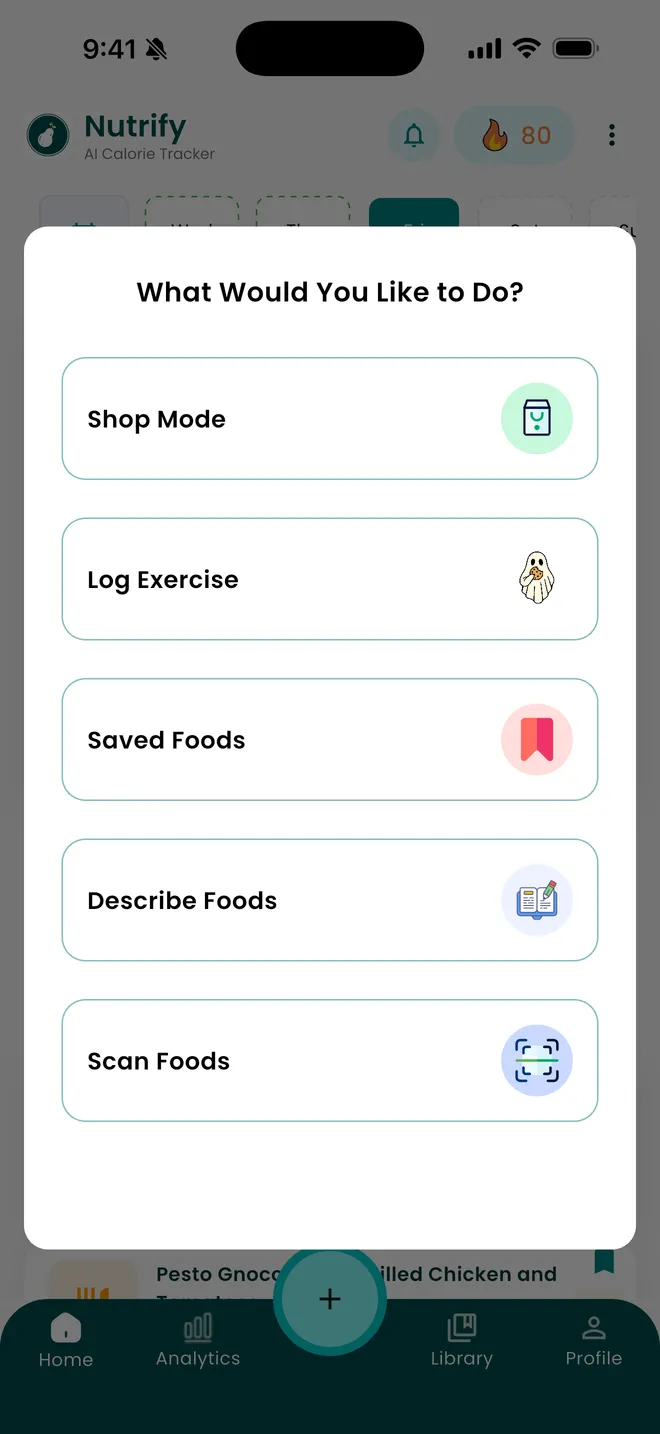
Scan a barcode, speak it, or check products in store
Why Nutrify specifically
Built for this, not bolted on
Natural language, not app language
No rigid format required. Say it the way you'd tell a friend and Nutrify understands, portions, descriptors, and all.
Works completely hands-free
Log food while driving, cooking, or eating. No screen interaction needed after you tap the mic.
Handles vague portions intelligently
"A big bowl", "a small slice", "about a cup". Nutrify translates everyday language into accurate portion estimates.


The real gain is logging now instead of reconstructing later
Speed is the obvious benefit of talking to an app and the least important one. The genuine advantage is that speaking is possible at the table, in the car after the drive-through, or while you are still holding the plate, and typing usually is not. That matters because a meal logged from memory at eleven at night is not the same meal. Snacks disappear, portions shrink, and the drink stops existing entirely. None of this is dishonesty, it is ordinary recall. A log created at the moment of eating is more complete than a careful reconstruction, and completeness is worth more to your weekly average than precision on any single entry.
Describe it the way you would to a person, not to a database
The old model required you to translate your meal into app language: find the right entry, choose the right unit, repeat for each component. Nutrify takes the sentence as you would say it, including several foods at once and portions expressed the way people actually express them. "Two eggs, two slices of toast with butter, and a coffee with oat milk" is one utterance, not four searches. Descriptors carry information too, so grilled and fried, small and large, with and without are all read rather than discarded. You are not learning a syntax, which means there is nothing to remember between the first time you use it and the tenth.
Vague portions get an estimate you can correct, not a rejection
Most of what people eat is not measured, so a system that demands exact grams before it will accept anything is a system that gets abandoned. "A big bowl", "about a cup", "a small slice" are all normal ways to describe food and Nutrify commits to a specific estimate from them rather than stopping to ask. That estimate arrives as an editable ingredient list, so if the bowl was smaller than the app assumed you change that one line and the totals follow. The design choice here is deliberate: guess and let the user fix it, rather than interrogate the user and log nothing while you wait.
Typed and spoken are the same path with a different door
Voice fails in predictable places. Open-plan offices, restaurants, public transport, and anywhere you would rather not announce your lunch. The typed description handles those, and it goes through the same interpretation, producing the same ingredient list on the same food detail screen. Typing is also better for anything with awkward spelling or a brand name that speech recognition mangles. Treat them as one feature with two inputs and pick whichever suits the room. What you should not do is switch to searching a database by name out of habit, since that is the slow path both of these exist to replace.
What describing a meal is bad at
Voice is the wrong tool for a specific branded packaged product, because the label already exists and scanning the barcode gives you the manufacturer's figures instead of an estimate from a name. It is also the wrong tool for a full recipe with fifteen ingredients, which belongs in the recipe importer where the per-serving maths is handled and the result is saved for reuse. And it degrades in genuinely noisy environments, where the transcription step fails before the nutrition step ever runs. Voice earns its place on ordinary cooked and restaurant meals, eaten away from a keyboard, which is a large share of what most people eat.
What users say
Reviews from the App Store
I've been through at least 6 food trackers and this one is the keeper. Just started GLP-1, you find out really quickly that you need to track your nutrients, and this app tracks everything I need: protein, fiber, carbs, calories, weight progress. It specifically supports a GLP-1 diet nutrient focus (gives you the choice of several other diets too). The interface is super easy, take a photo of your food, the AI nutrients estimates are very accurate. And important for GLP-1 users, it lets you adjust your meal based on actual consumption ( because you know you can never finish your whole meal).
Nutrify has been such a huge part of me getting my life back on track. I'm on a weight‑loss and diabetes journey, and for many I felt like I didn't having any direction and hoping for the best. This app finally gave me something solid to hold onto. I LOVE the analytics! It actually helps me understand my food, my numbers, and my habits in a way that makes sense to me. I can see what's helping, what is not, and what I need to adjust without feeling judged or self-conscious about it.
I am an advanced user of intermittent fasting and have tried practically all serious applications of its kind. I tried Nutrify for a while and it seems to me that they have done an excellent job and a fairly complete vision of what the habits mean that we all seek to improve our nutrition. They are doing better than many veteran Apps like LoseIt and Cronometer!
FAQ
Voice & Text Input questions, answered
Yes. Tap the microphone, say what you ate in a normal sentence, and Nutrify separates it into individual foods with portions and returns calories and macros. You can include several items in one go rather than logging them one at a time. The result arrives as an editable ingredient list, so anything the app misjudged can be corrected in place.
It depends on the food. Anything already in your saved foods is a single tap. Packaged food is fastest by barcode, because it is a lookup rather than an estimate. For a cooked or restaurant meal, speaking is usually quickest, since one sentence covers several items at once and you can do it without putting anything down.
No. Everyday descriptions work, so "a big bowl of pasta", "about half a cup of rice" or "a small handful of almonds" are all understood and turned into a specific estimate. If the estimate is off, you change the quantity on that ingredient afterwards and the totals update. Giving an exact weight when you know it will make the entry more accurate, but nothing is blocked without one.
Yes, and that is the intended use. A sentence like "chicken curry with rice, a naan and a lager" is read as separate items, each with its own quantity and its own macros in the resulting breakdown. Logging each component individually is slower and produces the same thing, so there is no reason to split it up.
It is an estimate built from your description, so it is more accurate than guessing and less accurate than a barcode scan of a labelled product. The main sources of error are portion size and unmentioned ingredients such as cooking oil. Both are fixable on the ingredient list afterwards, and adding the cooking fat is usually the single correction worth making a habit of.
Yes. Typed descriptions go through exactly the same interpretation as spoken ones and produce the same result on the same screen. Typing is the better option in quiet offices, on public transport, and for brand names or unusual spellings that speech recognition tends to garble. Neither is a lesser version of the other.
After you start the microphone, you describe the meal without touching the screen again until you confirm. That is genuinely useful while cooking, when your hands are covered in something. If you are driving, log it once you have stopped, since reviewing and confirming the entry still needs your attention on the phone.
You will see what it understood before anything is saved, as a broken-out ingredient list rather than a single number. Fix a wrong quantity directly on the line it belongs to, remove anything that should not be there, or use the AI Refine button to describe the meal again and have the whole estimate rebuilt. Nothing is committed to your diary until you accept it.
And you also get
Voice & Text Input is one piece of it.
Every Nutrify user gets the full app: AI food recognition, analytics, health integrations, and everything below.
Meal Logging
Most food diary apps fail because logging a meal takes longer than eating it. Nutrify flips that: photo, voice, barcode, or text, your meal is logged before you put down your fork.
Barcode Scanner
Point your camera at any packaged food and get the full nutrition label in under a second. No searching, no typing, no estimating. Just scan and log.
Photo Food Journal
Numbers tell you what. Photos show you why. A visual food diary makes patterns obvious in a way that calorie totals never do, and logging it is as simple as taking the photo.
Ingredient Breakdown
Knowing your meal has 600 calories is one thing. Knowing it's the dressing, not the chicken, that's adding 300 of them, that's the information that actually changes what you order next time.
Home Screen Widget
Calories remaining, macros, water, visible the moment you pick up your phone. No opening the app. No extra taps. Just constant, effortless awareness.
Keep reading
Ready to try Voice & Text Input?
Free to download. Every feature free for 7 days, and you can cancel any time.